
Why Flow
Connect Clients
Import your client list or create profiles quickly. Client Flow organizes names, contacts, and projects in one place. No messy spreadsheets or scattered notes.
Track Progress
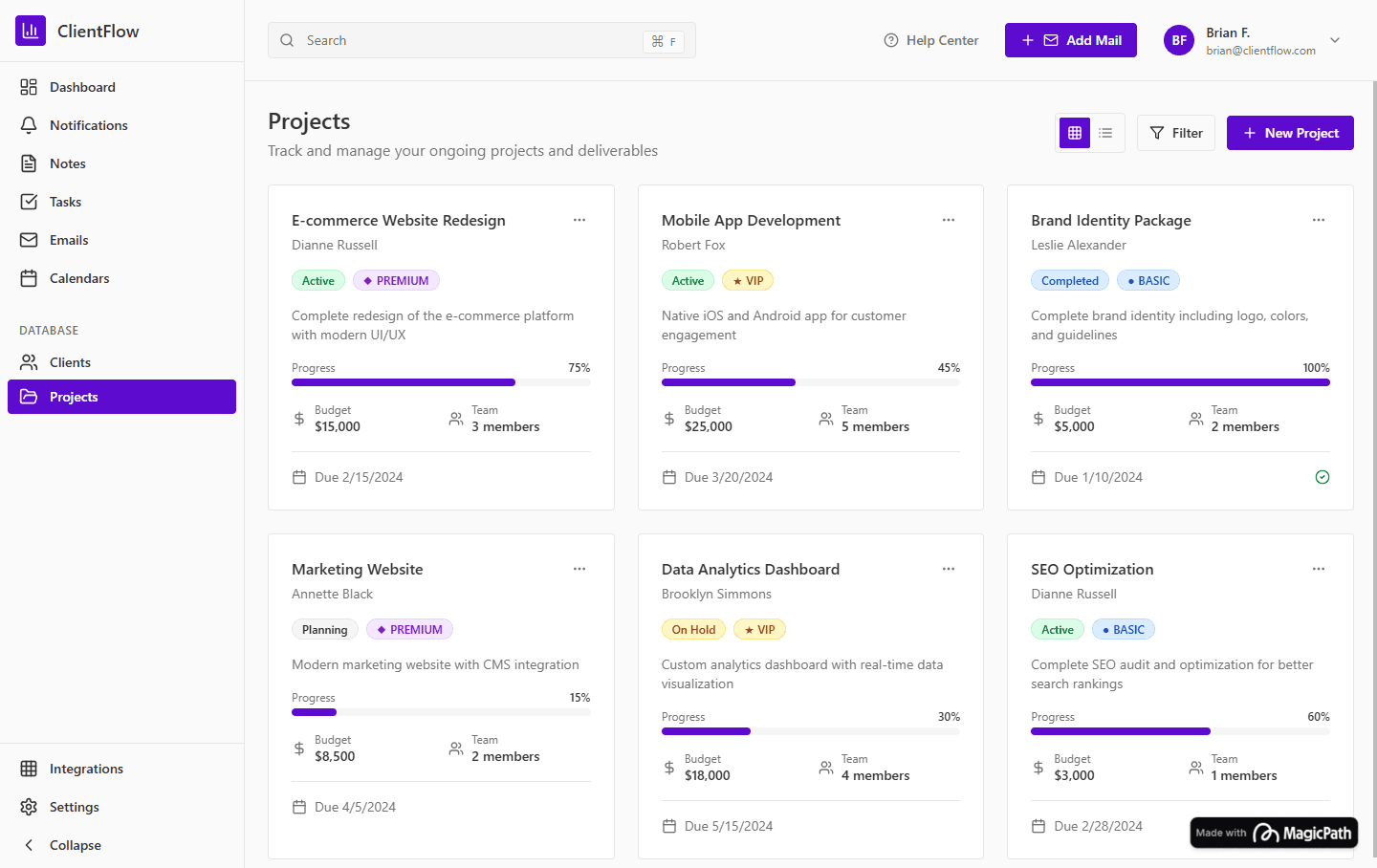
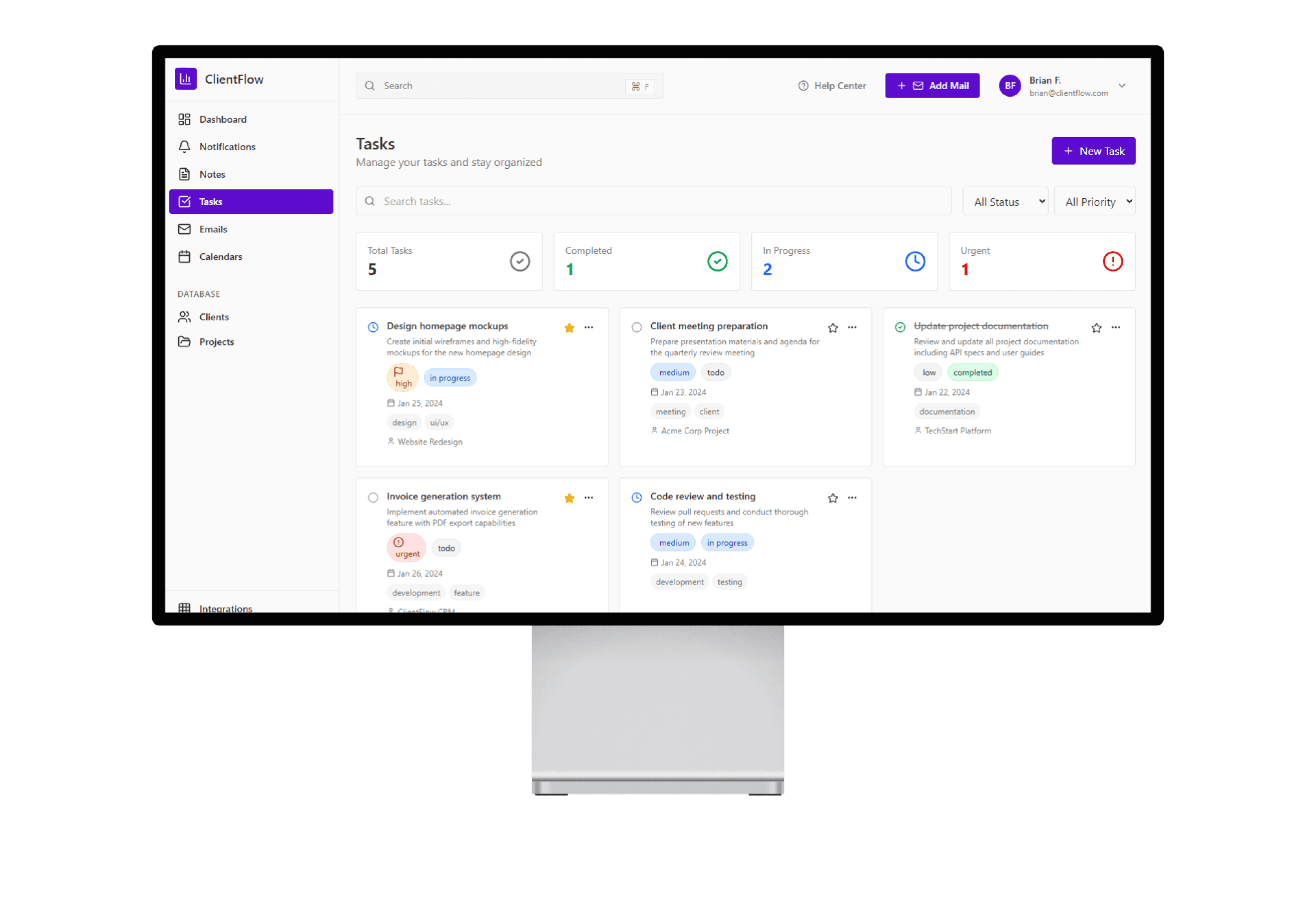
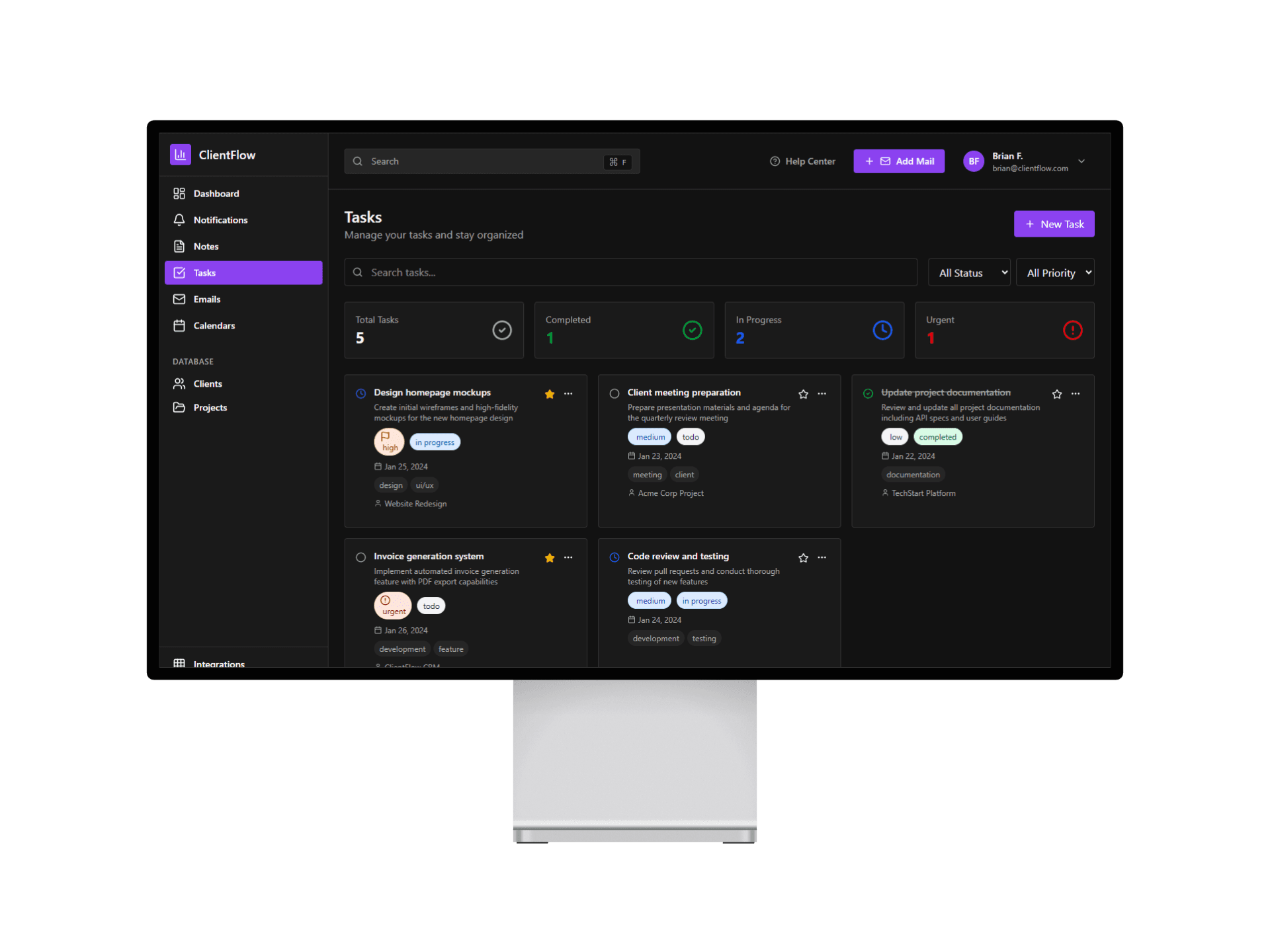
Keep projects moving with purpose. Manage tasks, milestones, and invoices in one visual dashboard that updates in real time. Use color-coded tags to see what needs attention and where each project stands.
Deliver Seamlessly
End strong. Communicate with clients, share deliverables, and send invoices seamlessly. Built-in reminders and AI nudges keep you on schedule while maintaining professionalism.
How it Flows
Connect Clients
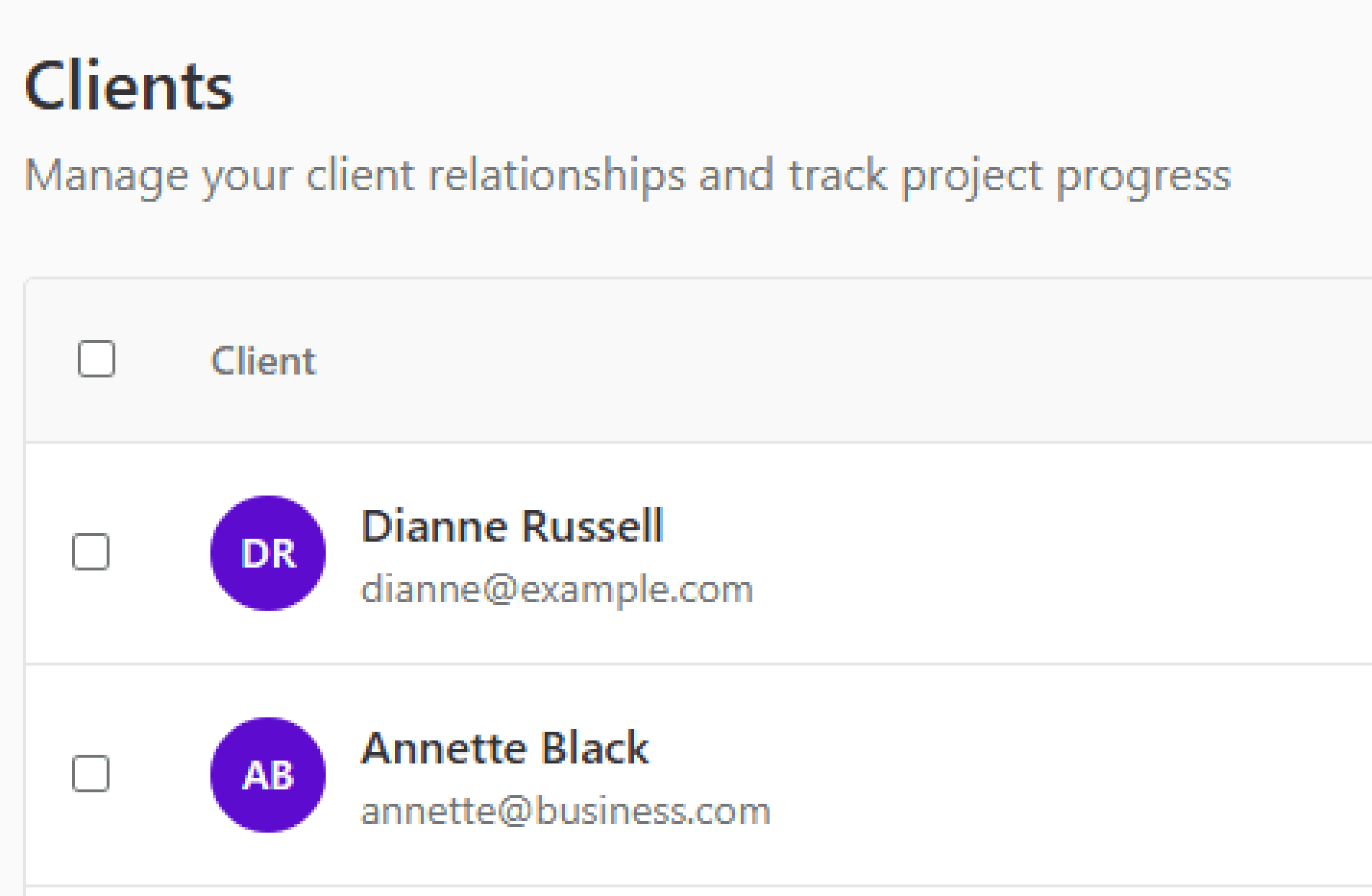
Start by bringing everything together. Add new clients or import existing contacts through a simple guided setup that organizes your relationships automatically. Each client profile stores projects, conversations, and invoices in one view — so you can stop switching between tools.
Track Progress
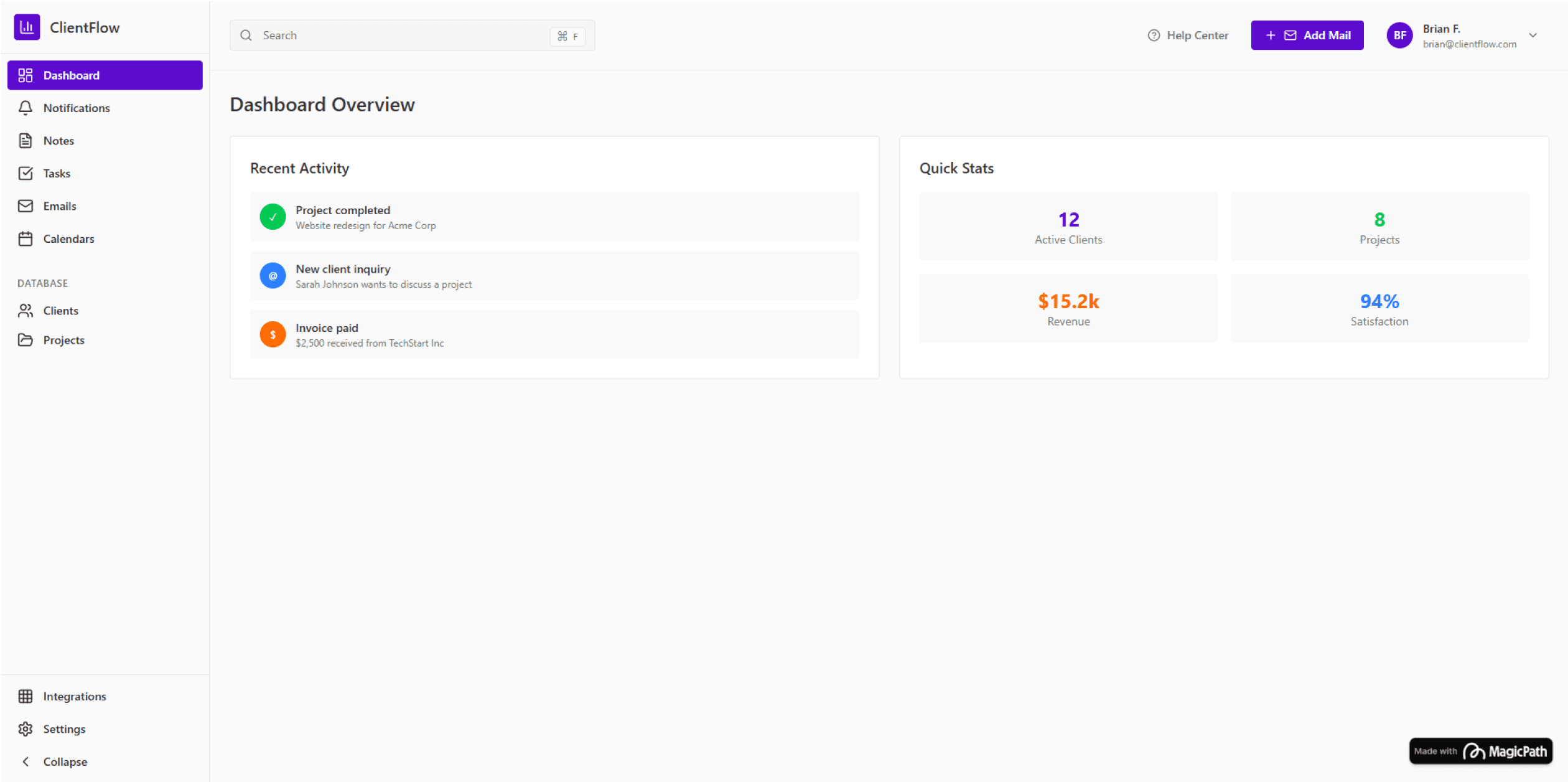
See your entire workflow at a glance. Manage projects inside a visual dashboard where deadlines, milestones, and tasks update in real time. Color-coded status tags make it effortless to spot what’s next and stay focused on delivery.
Deliver Seamlessly
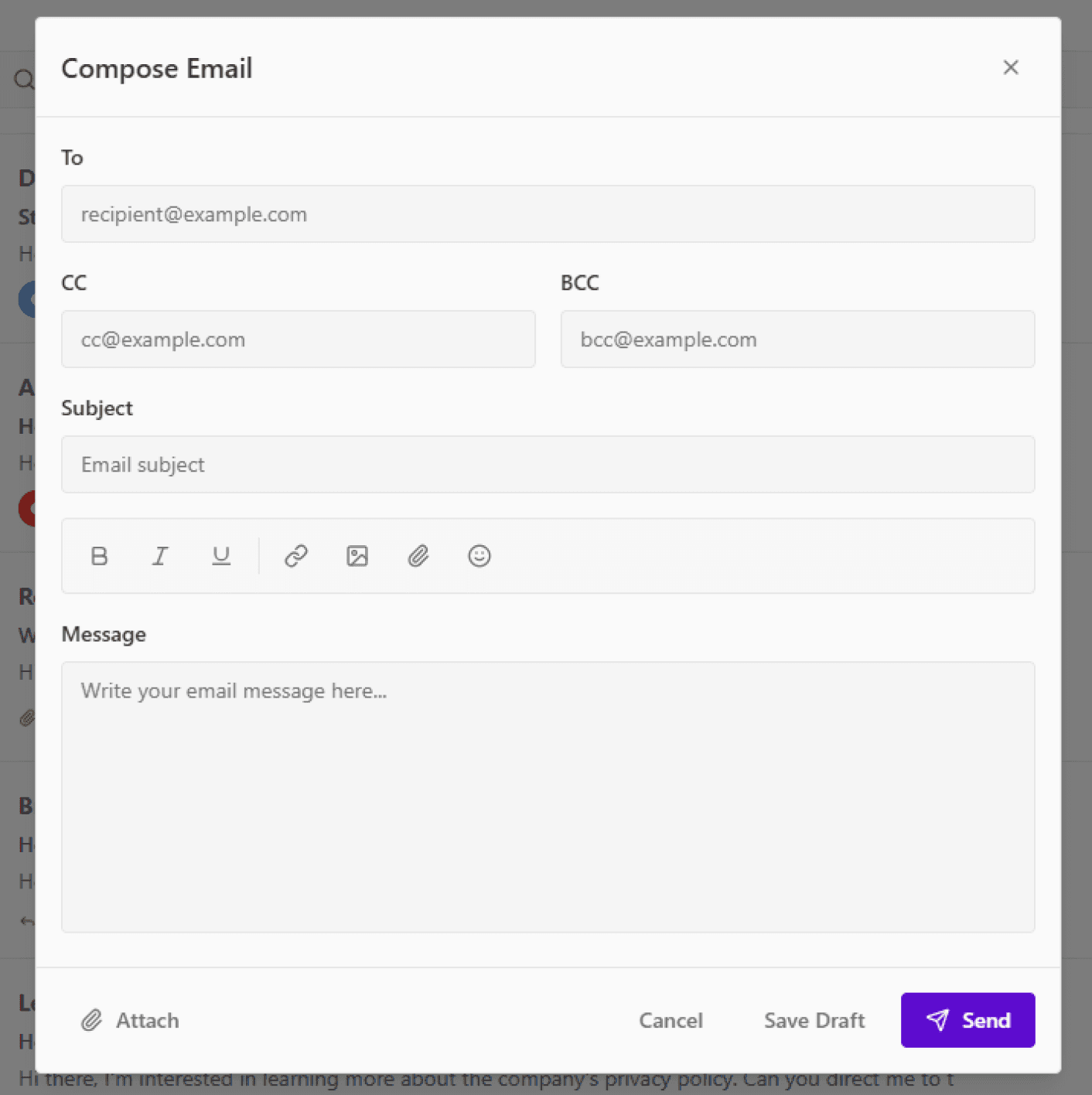
Finish strong. Chat with clients, share deliverables, and send invoices — all inside Client Flow. Built-in reminders and automated follow-ups keep everything moving while you stay in control.
What You Can Do
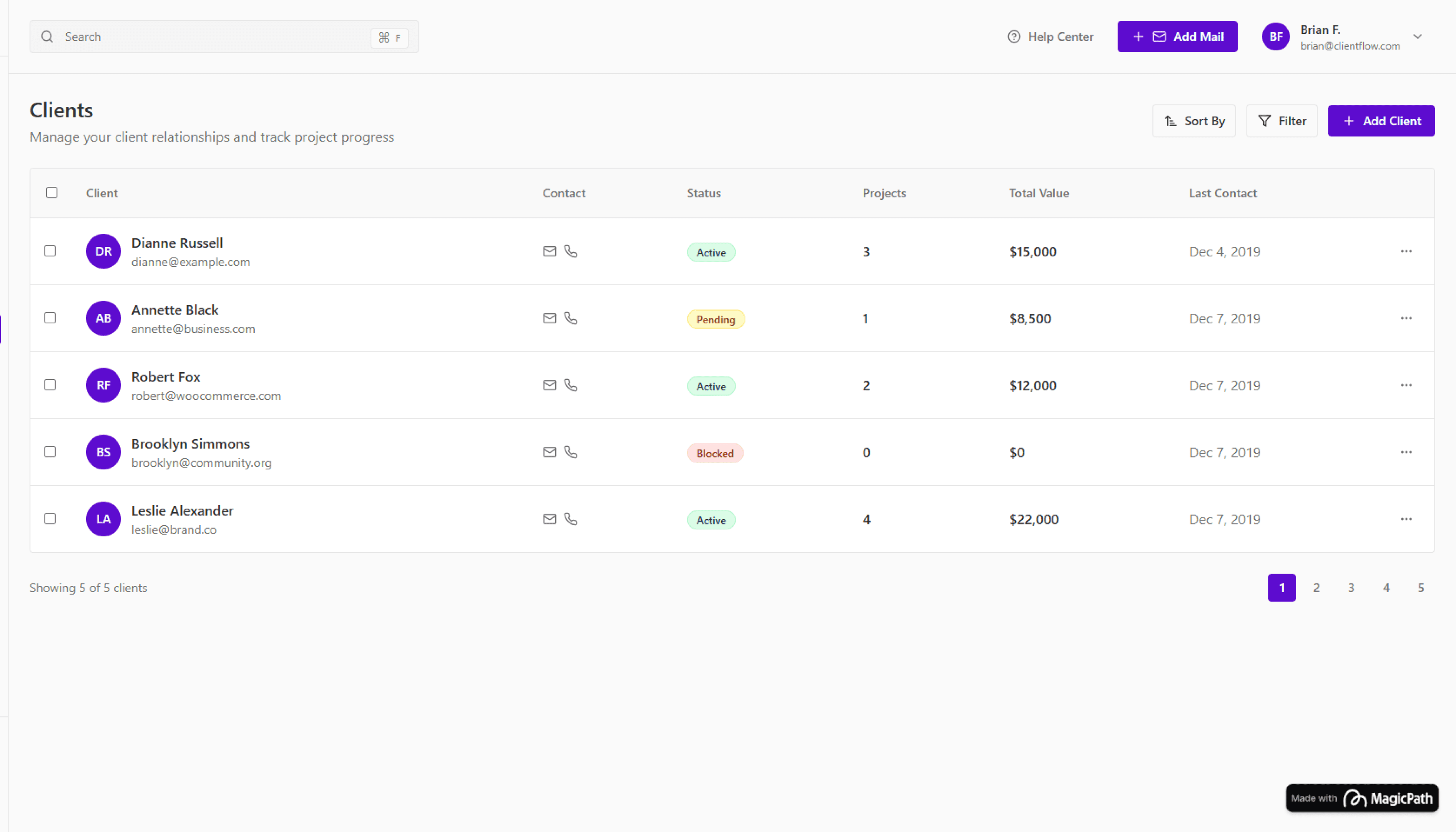
Manage Clients Effortlessly
Create organized profiles for every client — track conversations, projects, invoices, and files in one seamless space. No more hunting for links or chats across platforms.
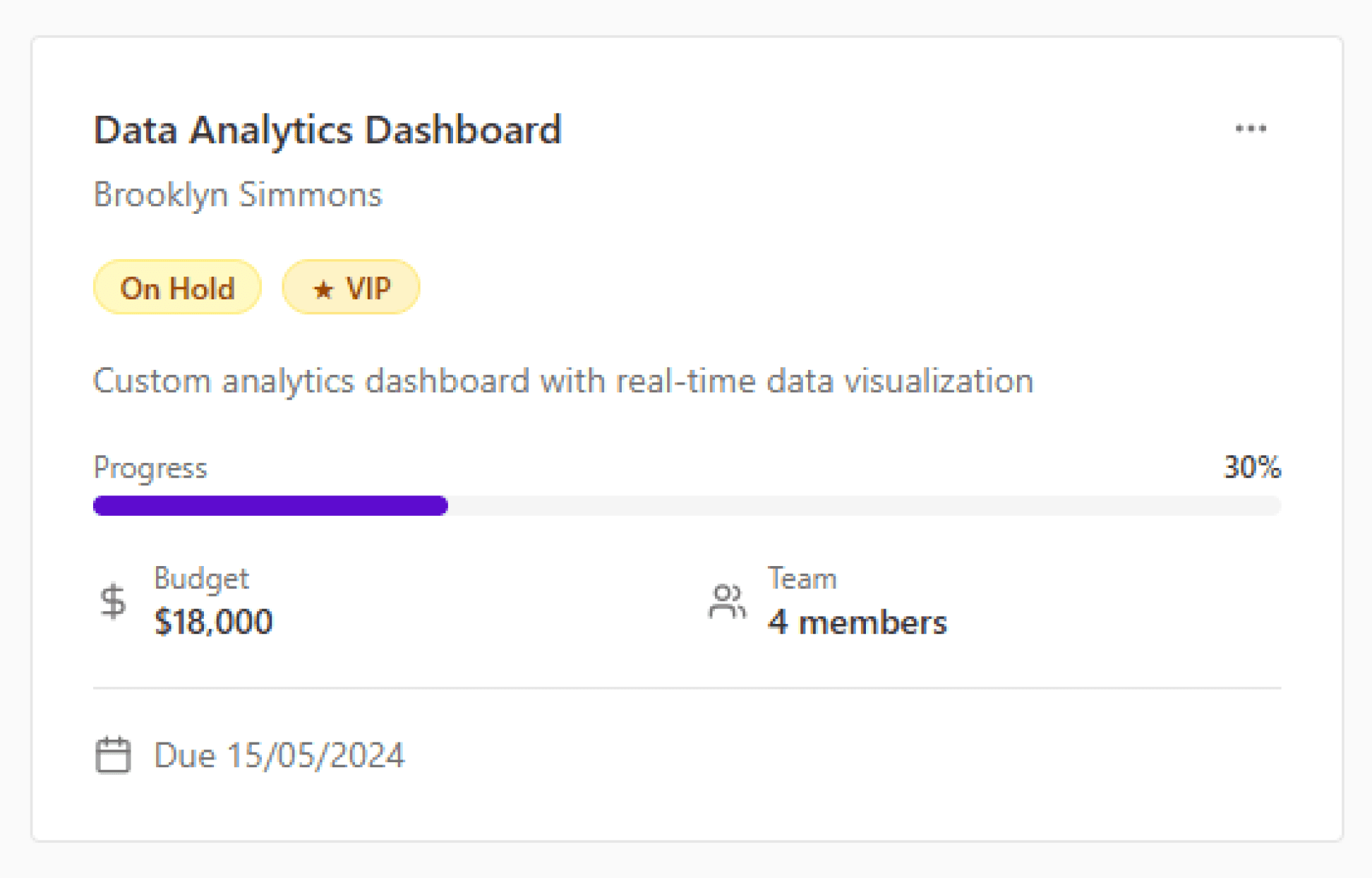
Keep Projects in Motion
Plan, assign, and monitor progress visually. From quick tasks to full-scale deliverables, everything stays synced and transparent.
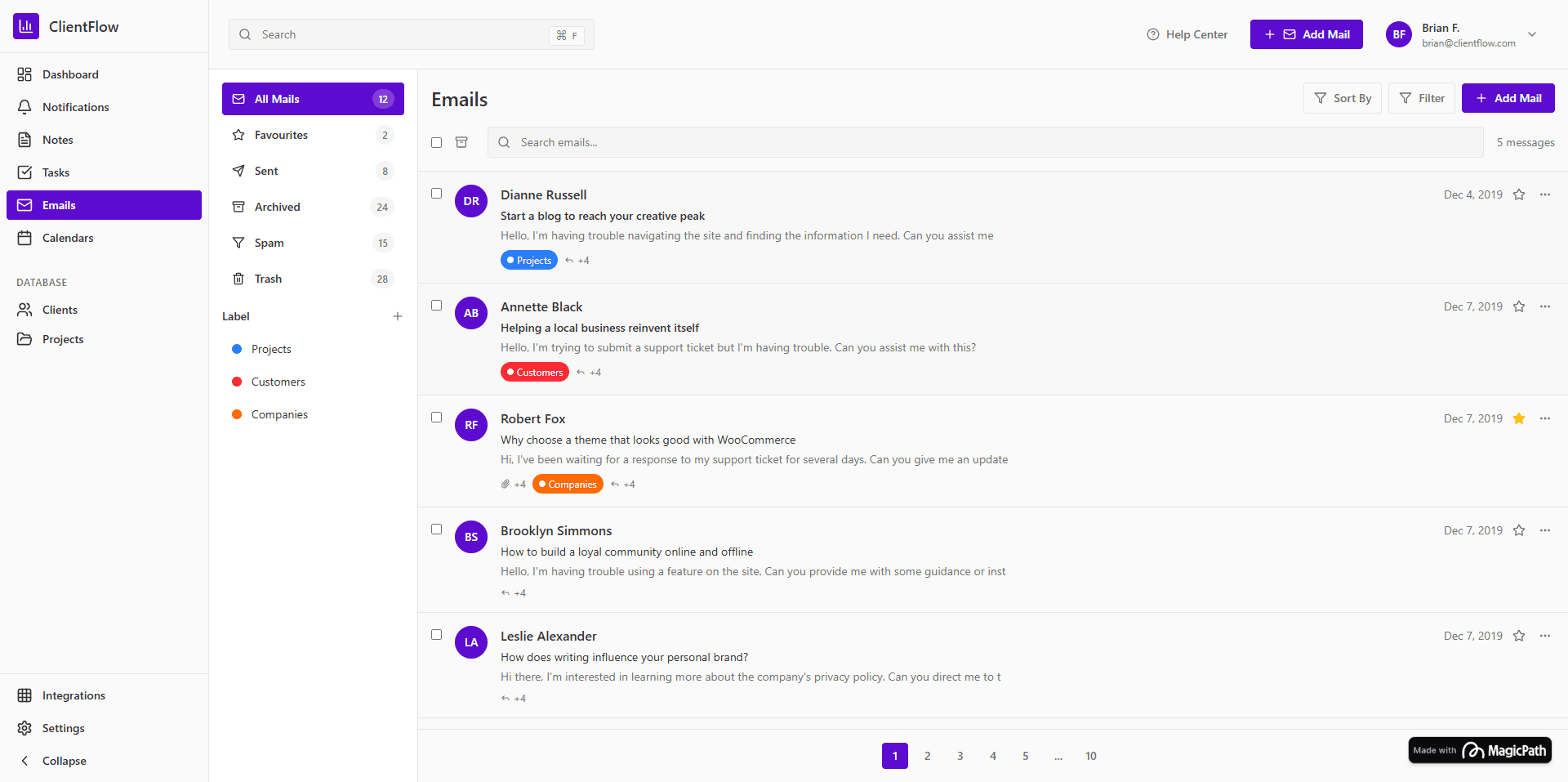
Streamline Communication
Send messages, share updates, and attach files directly within each project. Keep clients informed and your workflow distraction-free.
Testimonials

Mustofa
Product Designer / Prompt Engr
Before Client Flow, I tracked clients across five tools. Now everything’s in one place — I can focus on creating, not managing.
JUNE 15, 2025
View Mustofa’s Workflow
Mustofa
Product Designer / Prompt Engr
Before Client Flow, I tracked clients across five tools. Now everything’s in one place — I can focus on creating, not managing.
JUNE 15, 2025
View Mustofa’s Workflow
Mustofa
Product Designer / Prompt Engr
Before Client Flow, I tracked clients across five tools. Now everything’s in one place — I can focus on creating, not managing.
JUNE 15, 2025
View Mustofa’s Workflow
Mustofa
Product Designer / Prompt Engr
Before Client Flow, I tracked clients across five tools. Now everything’s in one place — I can focus on creating, not managing.
JUNE 15, 2025
View Mustofa’s Workflow
Mustofa
Product Designer / Prompt Engr
Before Client Flow, I tracked clients across five tools. Now everything’s in one place — I can focus on creating, not managing.
JUNE 15, 2025
View Mustofa’s Workflow
Mustofa
Product Designer / Prompt Engr
Before Client Flow, I tracked clients across five tools. Now everything’s in one place — I can focus on creating, not managing.
JUNE 15, 2025
View Mustofa’s Workflow
Mustofa
Product Designer / Prompt Engr
Before Client Flow, I tracked clients across five tools. Now everything’s in one place — I can focus on creating, not managing.
JUNE 15, 2025
View Mustofa’s Workflow
Mustofa
Product Designer / Prompt Engr
Before Client Flow, I tracked clients across five tools. Now everything’s in one place — I can focus on creating, not managing.
JUNE 15, 2025
View Mustofa’s Workflow
Mustofa
Product Designer / Prompt Engr
Before Client Flow, I tracked clients across five tools. Now everything’s in one place — I can focus on creating, not managing.
JUNE 15, 2025
View Mustofa’s Workflow
Mustofa
Product Designer / Prompt Engr
Before Client Flow, I tracked clients across five tools. Now everything’s in one place — I can focus on creating, not managing.
JUNE 15, 2025
View Mustofa’s Workflow
Mustofa
Product Designer / Prompt Engr
Before Client Flow, I tracked clients across five tools. Now everything’s in one place — I can focus on creating, not managing.
JUNE 15, 2025
View Mustofa’s Workflow
Pricing
Starter Flow
$0
/ mo
Most Popular
Pro Flow
$24
/ mo
For professionals managing multiple projects.
Unlock automation, client insights, and advanced tracking.
Team Flow
$120
/ mo
FAQ
What exactly is Client Flow?
What exactly is Client Flow?
Do I need to be tech-savvy to use it?
Can I manage multiple clients or projects?
Does Client Flow support invoicing and payments?
Can I collaborate with my team or other freelancers?
Is there a free version to start with?
Join freelancers who’ve turned chaos into clarity with Client Flow — where every project, message, and invoice stays perfectly aligned.
Contact us at
Info@clientflow.com
Product
Overview
How It Works
Pricing
Testimonials
Features
Resources
Help Center
FAQs
Blog
Guides
Contact
Company
About
Careers
Terms
Privacy Policy
Thread